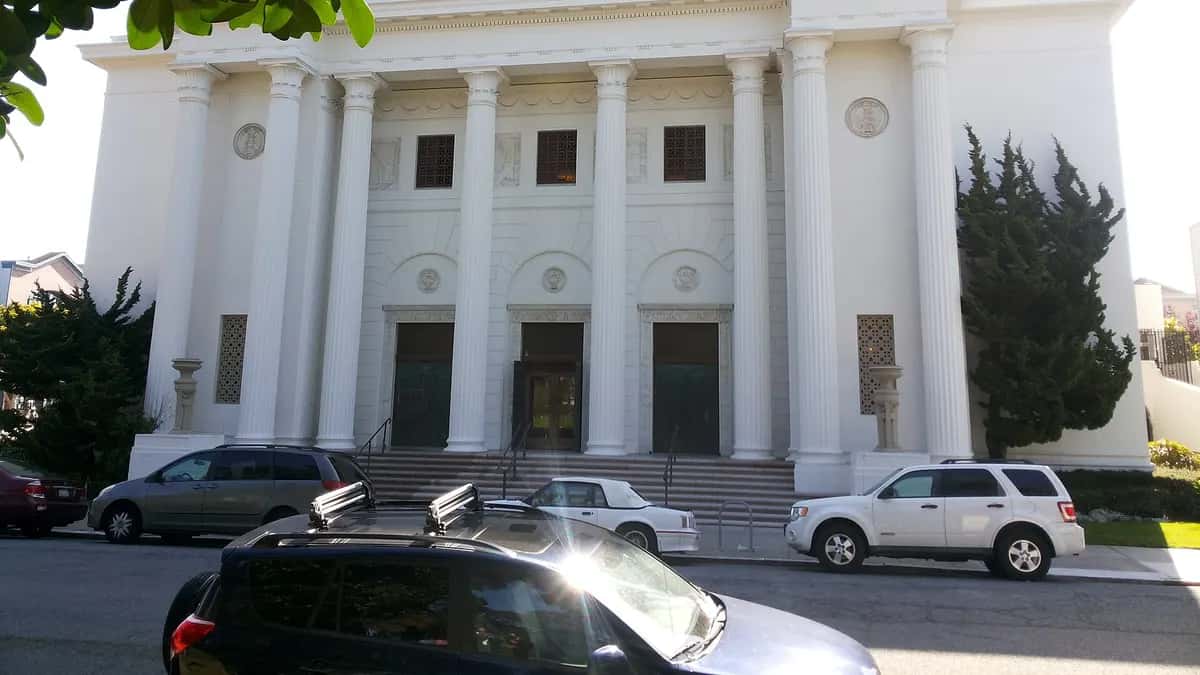
The Wayback Machine is a free internet archive that stores copies of web pages over time and lets you see what a site looked like on a past date. It is run by the Internet Archive, a non-profit organization, and in October 2025 it passed one trillion archived pages. Here is how to use it, how to save a page and what it is for.
What the Wayback Machine is
It is the best-known tool of the Internet Archive, the digital library that began archiving the web in 1996. Its crawlers travel the internet, save copies of pages and sort them by date. Each copy is called a “capture”.
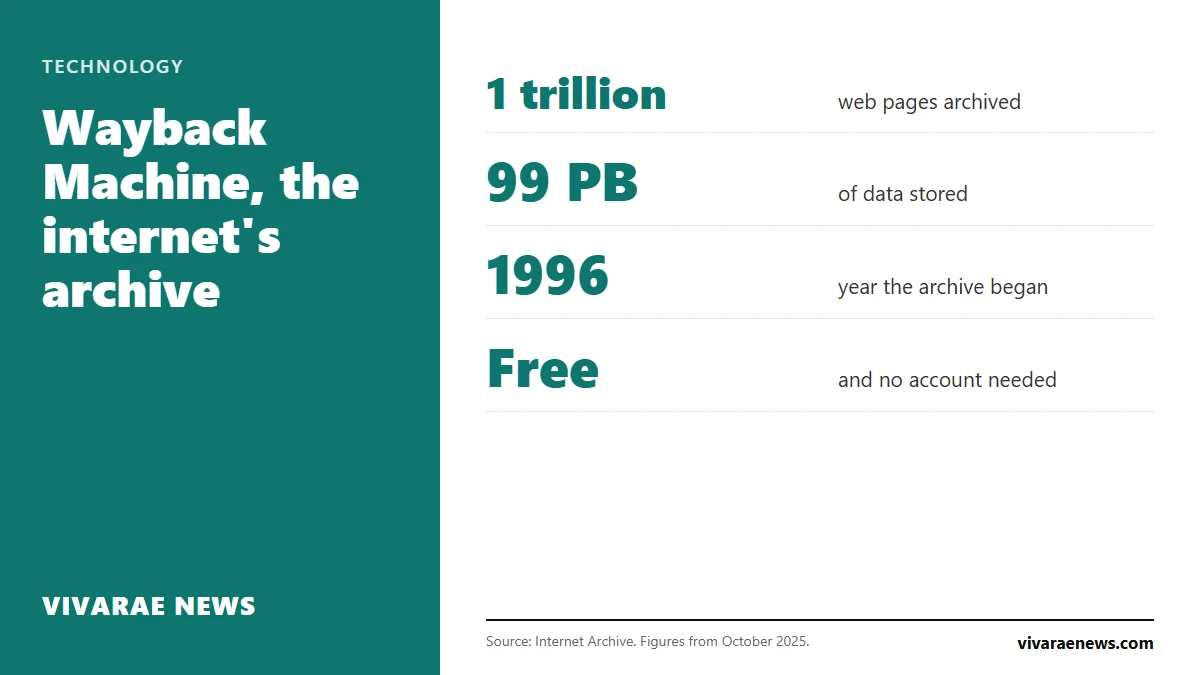
| Item | Figure |
|---|---|
| Archived pages (October 2025) | More than one trillion |
| Data stored | More than 99 petabytes |
| Start of the archive | 1996 |
| Cost | Free |
| Address | web.archive.org |
How to use the Wayback Machine to see an old page
- Go to web.archive.org.
- Type the address of the site you want to check and press Enter.
- You will see a timeline with the years that have captures. Choose a year.
- On the calendar, days with captures are highlighted. Click one and choose the time.
- The page opens as it was that day. You can browse its links, as long as those pages were archived too.
How to save a page in the Wayback Machine
The feature is called Save Page Now. According to the Internet Archive's help pages, you just go to web.archive.org/save, paste the address and press the save button. You instantly get a permanent link to that copy.
| Method | How it works | Limit |
|---|---|---|
| Save Page Now | You paste the address at web.archive.org/save | It saves a single page, not the whole site |
| Browser extension | A toolbar button saves the page you are viewing | It has to be installed |
| Automatic crawling | The archive's crawlers visit on their own | You cannot know when or how often |
The extension has an extra advantage: when you land on a page that no longer exists, it tells you if a saved copy is available.
What the Wayback Machine is for
- Recovering deleted content: articles, product pages or documents that are no longer online.
- Checking what a page said on a given date: useful for journalists, lawyers and researchers.
- Citing a source that may change: the link to the capture does not change.
- Reviewing a domain's history before buying it: it shows which sites ran at that address.
- Seeing what the internet used to be: the front pages of news sites and social networks from twenty years ago are still there.
The archive is also a source for journalism. Court cases such as the one over Texas prisons without air conditioning leave documents and official pages that change or disappear over the years; captures make it possible to go back to them.
What limits the Wayback Machine has
- It does not save everything. Some sites block the crawlers and some pages were never captured.
- Some captures are incomplete: images, videos or styles may be missing.
- It cannot reach private content: anything behind a username and password is left out.
- Site owners can ask for their content to be removed from the archive.
If digital tools interest you, see our technology section.
Frequently asked questions
Is the Wayback Machine free?
Yes. It is run by the Internet Archive, a non-profit organization, and you do not need an account to browse it.
How do I see an old web page?
Go to web.archive.org, type the site's address and choose a date on the calendar.
Can I save a page myself?
Yes, with Save Page Now, at web.archive.org/save. It saves one page at a time.
Why does a page not appear in the Wayback Machine?
Because it was never captured, because the site blocks the archive's crawlers or because its owner asked for it to be removed.